

Utilities Panel
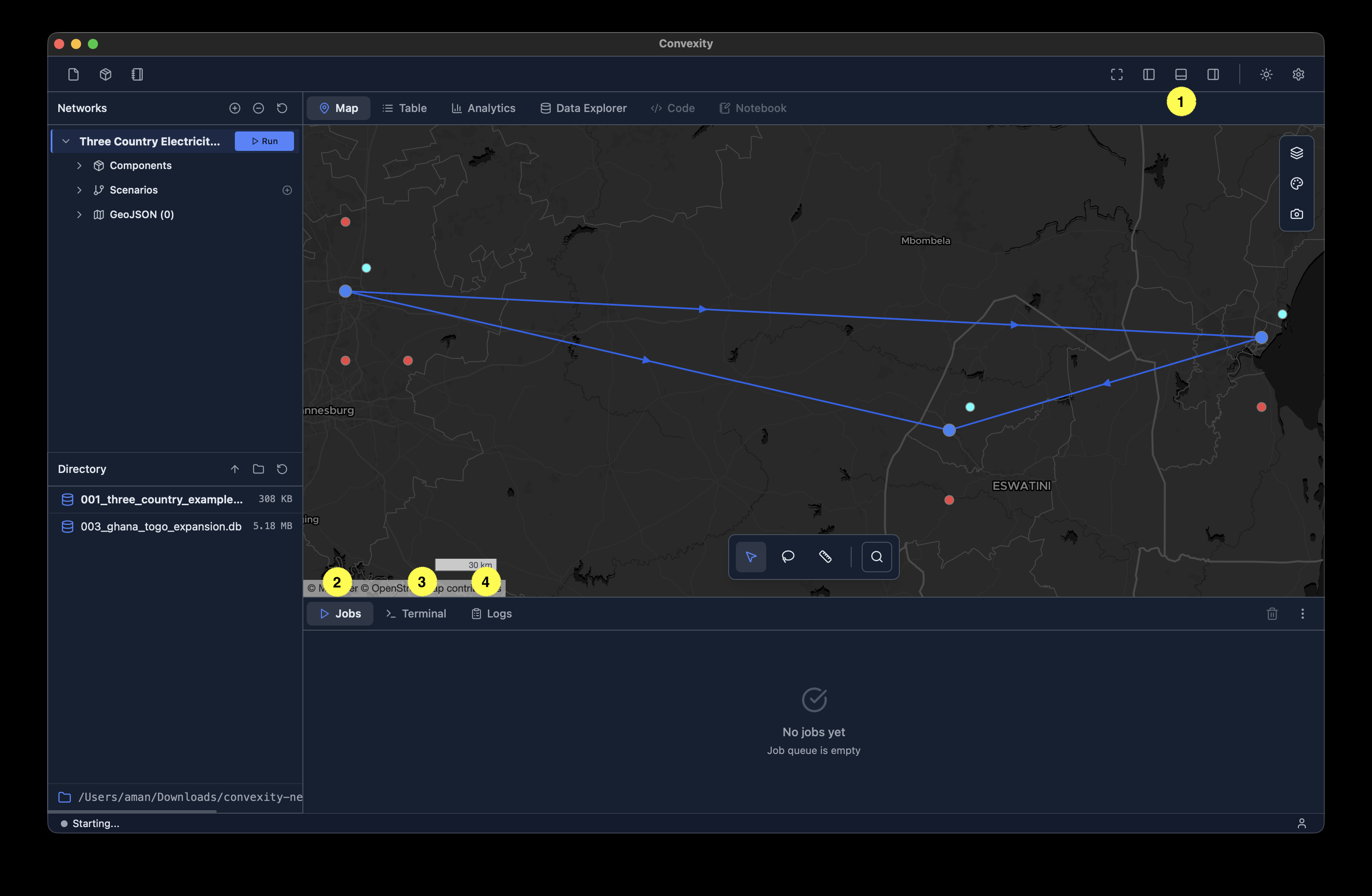
The utilities panel is located in the bottom section of the main interface (see image above). It can be shown or hidden using the bottom-panel button in the top-right of the toolbar 1.
The utilities panel contains three tabs:
- Jobs Manager - Monitor and manage optimization jobs 2
- Terminal - Command-line interface for advanced operations 3
- Logs - View system logs and diagnostic information 3