

Map
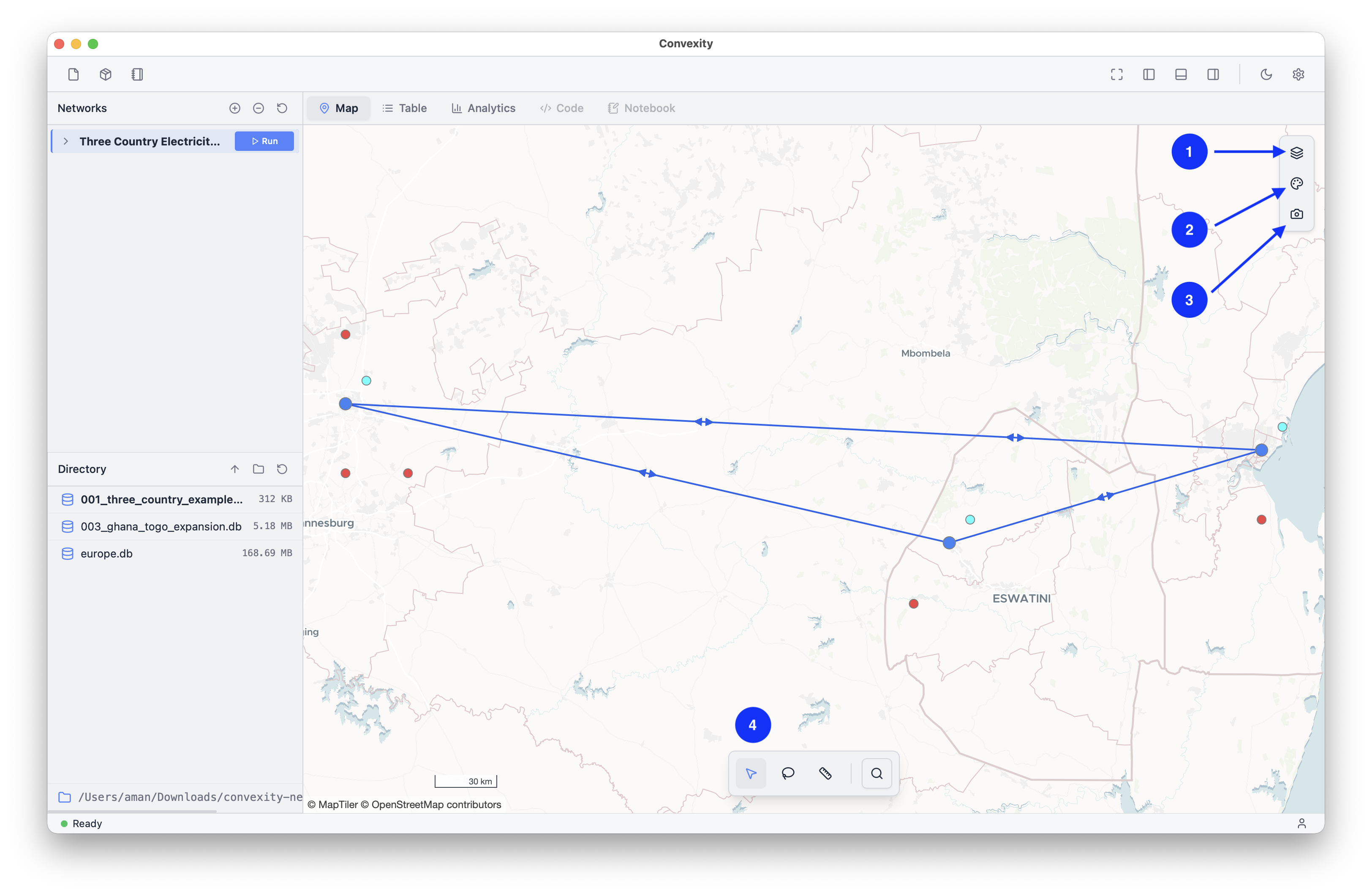
The Map Tab is the primary view in Convexity and loaded as the first thing you see when you load the app. Convexity takes a "maps-first" approach to energy systems modelling as the exercise of modeller power systems is inherently a spatial exercise. The map serves as a way to inspect, edit and visualise your model.
On the map, you will see several controls to help assist your workflows, which are:
- 1 Layers control: change and toggle various layers on the map
- 2 Symbology control: customise the network symbology
- 3 Image export: export your map to a
.pngfile - 4 Spatial analysis toolbar: Tools to help you interact with your network data