

Directory viewer
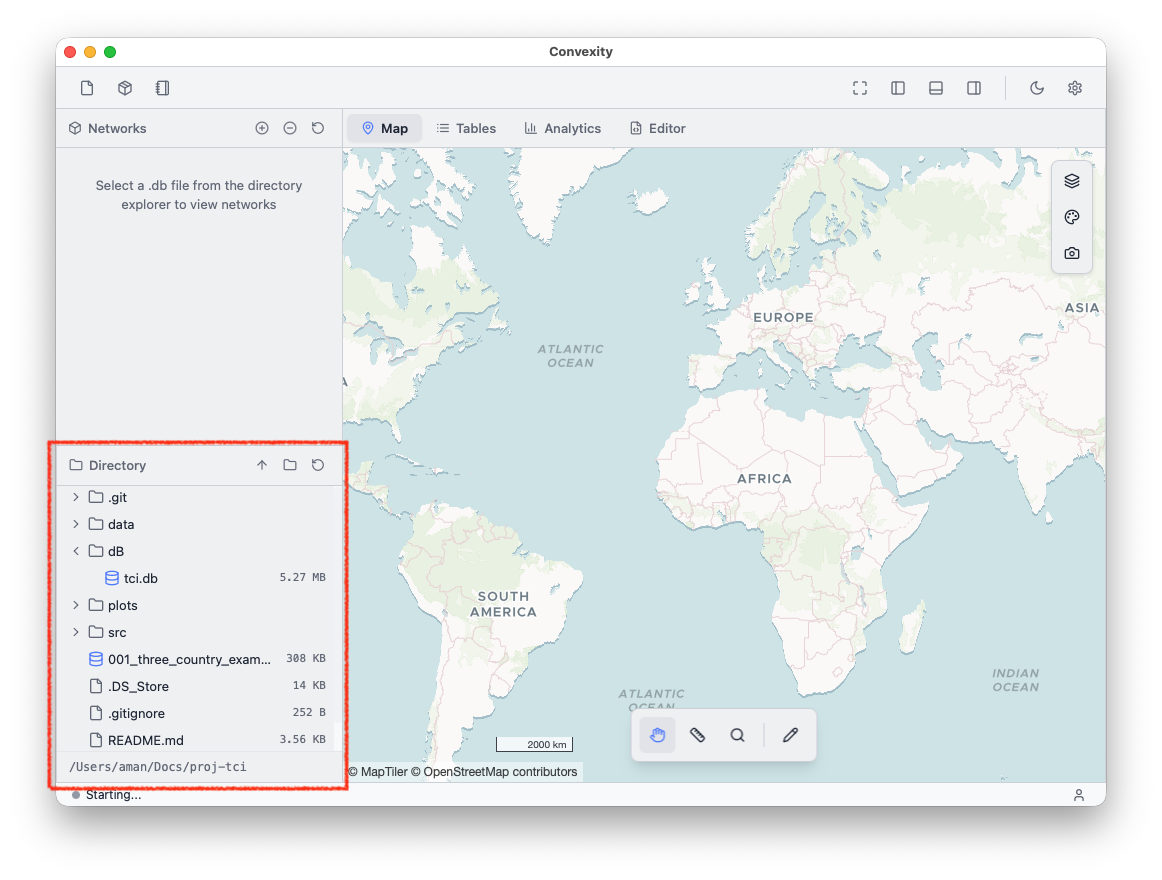
The Directory Viewer in the bottom left of the app shows your current working directory (i.e., your project folder). It shows all files and folders within the working directory with unlimited folder nesting.
By default, you can open SQLite .db files in Convexity's accepted schema or any text-based file (e.g., .py, .txt, .json, .csv, .md, .yaml, etc.). To open compatible files from the directory, simply drag them onto the central widget as shown below:
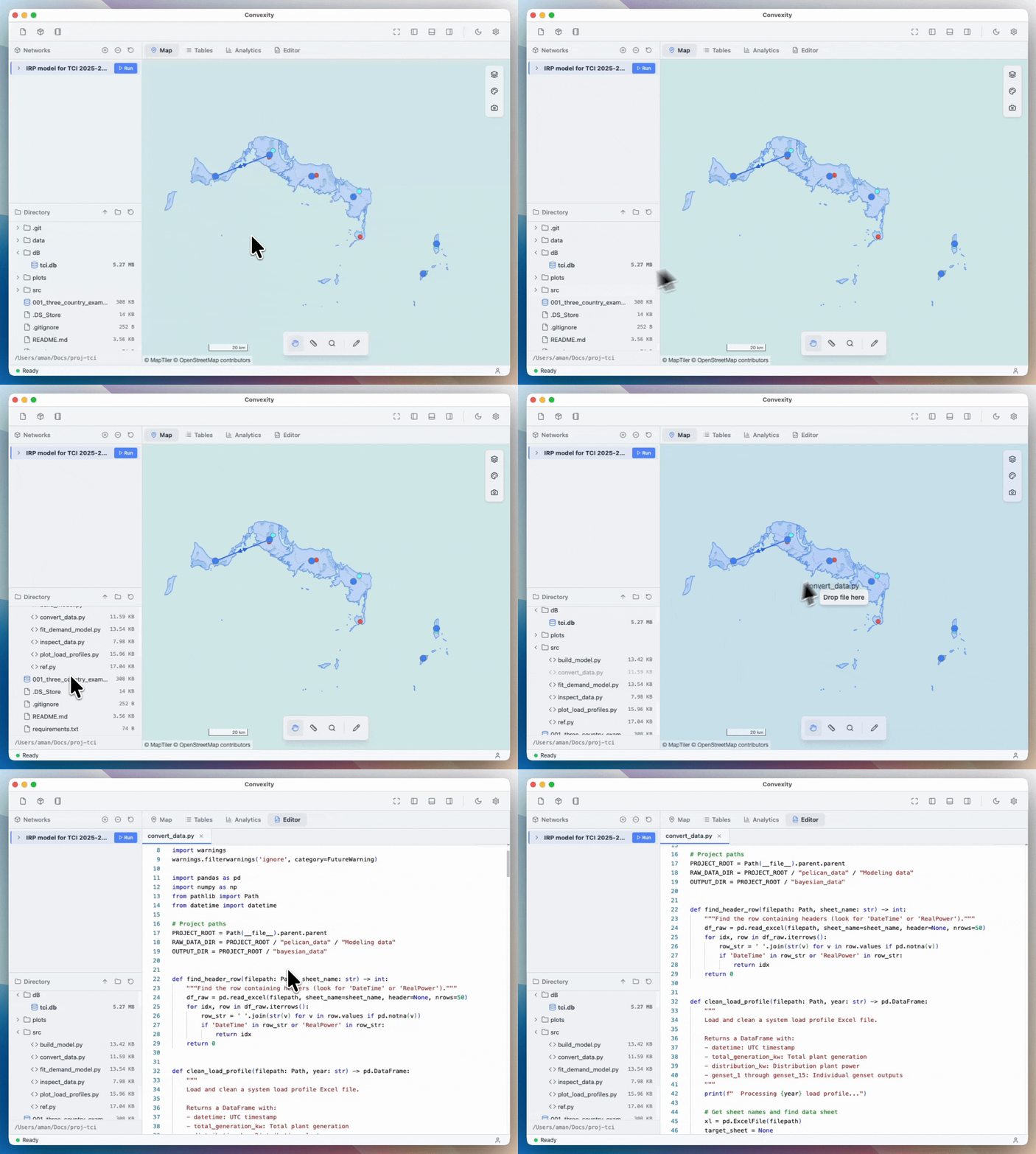
Note that loaded files will show up in bold in the directory viewer. That means any file that is not bold is not currently loaded in your workspace. Right-clicking on any file opens a context menu with multiple options, such as renaming files, showing or copying their local path, or deleting them.